


Tree Service
Invoice Template
Create a professional tree service invoice for tree removal, trimming, pruning, and stump grinding in seconds. Fill out your business details, add your services with quantities and rates, and download a print-ready PDF instantly.
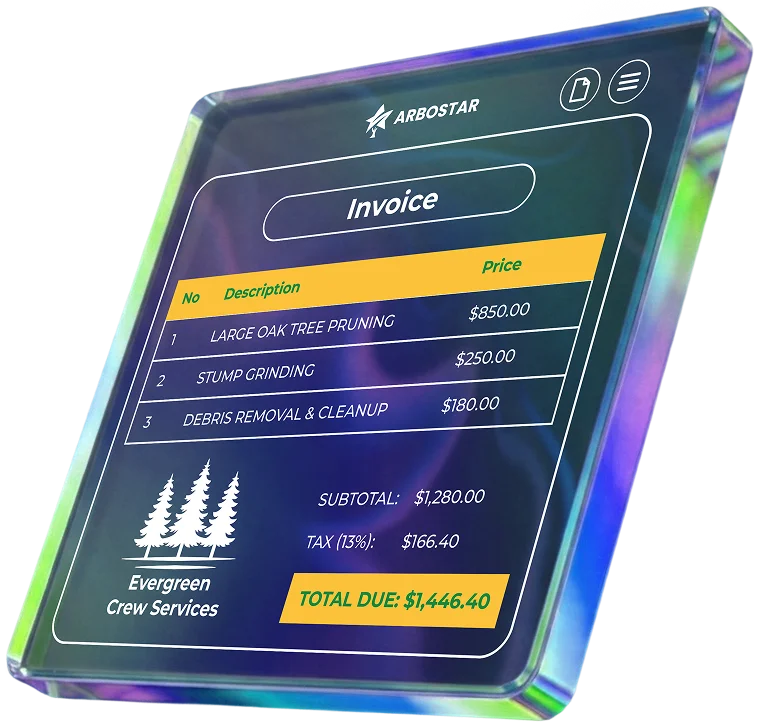
Invoice Details
How to Use the Tree Service Invoice Template
Enter Business & Client Details
Start by adding your company name, logo, and contact info. Then fill in the customer's details and the exact job site address – as it often differs from the billing address in tree care.
List Completed Services
Break down the project into specific line items – tree removal, stump grinding, pruning – and specify the quantity and rate for each item.
Review and Download
Double-check all labor, equipment fees, and taxes. Once verified, download the print-ready PDF to email your client or hand it over in person.
Tip: Want to skip manual entry? Fill out your details below to generate a clean, professional invoice instantly.
What to Include in a Tree Service Invoice
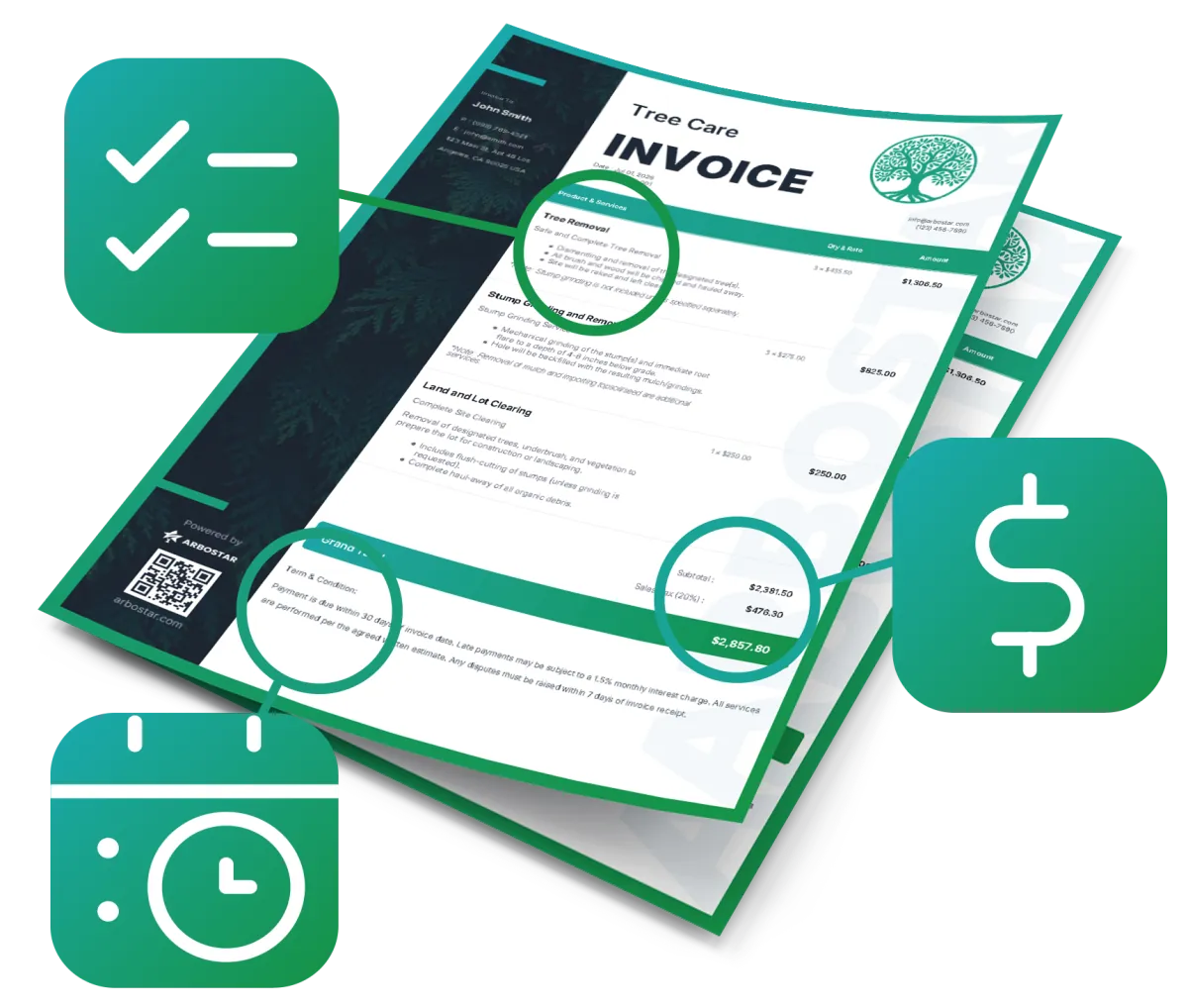
A professional invoice protects your cash flow and prevents misunderstandings. Make sure your bill includes these core details:
Job-Specific Line Items
Clearly separate tasks like tree trimming, emergency storm cleanup, or disposal/hauling fees so the client knows exactly what they are paying for.
Cost Breakdown
Specify the costs for crew labor, specialized equipment usage, and any permit-related fees.
Clear Payment Terms
Explicitly state the payment due date and your accepted payment methods (e.g., Credit Card, Check, Bank Transfer) to ensure faster processing.
When a Template Is No Longer Enough
While a free invoice template works great for quick or simple jobs, manual invoicing can slow down your business as it grows. Copying customer details from estimates, updating totals by hand, and tracking unpaid bills manually takes up valuable time.
ArboStar automates this entire workflow. It allows tree service companies to instantly convert estimates into professional invoices, track payments, and sync all accounting data with QuickBooks – keeping your office, field crews, and finances perfectly aligned.
Get a Free DemoFrequently Asked Questions
A tree service invoice should include your company name, logo, contact details, client information, invoice number, service date, and payment due date. For tree care jobs, it is best to break down labor, equipment, disposal fees, stump grinding, pruning, tree removal, taxes, and the final amount due.