

Tree care and landscaping crews deal with real hazards every day, so risk assessment and hazard forms aren’t just paperwork. They’re part of what keeps a job running safely and keeps a business standing. This piece looks at what happens when risk assessment and hazard forms are built into a company’s day-to-day management, instead of handled as a separate, occasional task.
Why Risk Assessment Matters
Risk assessment does two different jobs at once: it keeps people and property safe, and it protects the business itself.
Protecting Workers, Clients, and Property
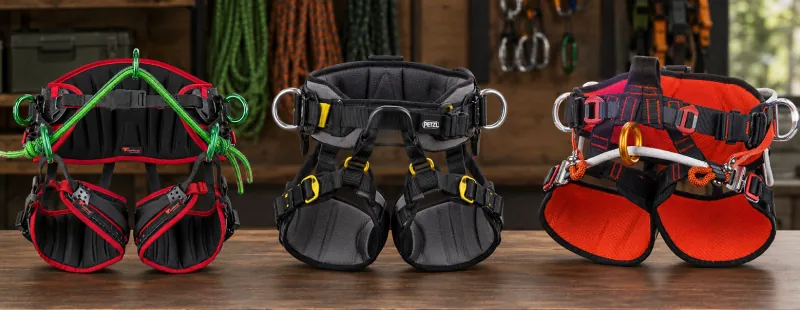
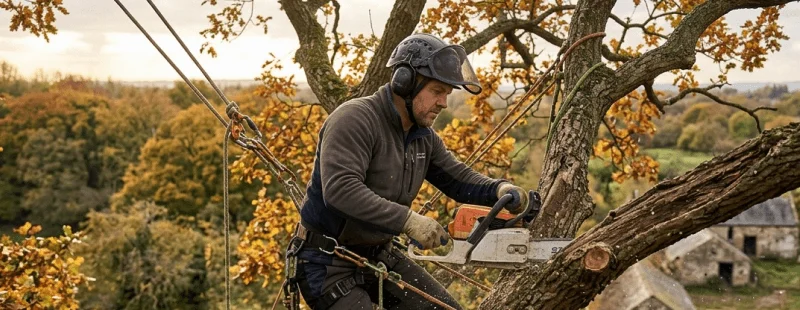
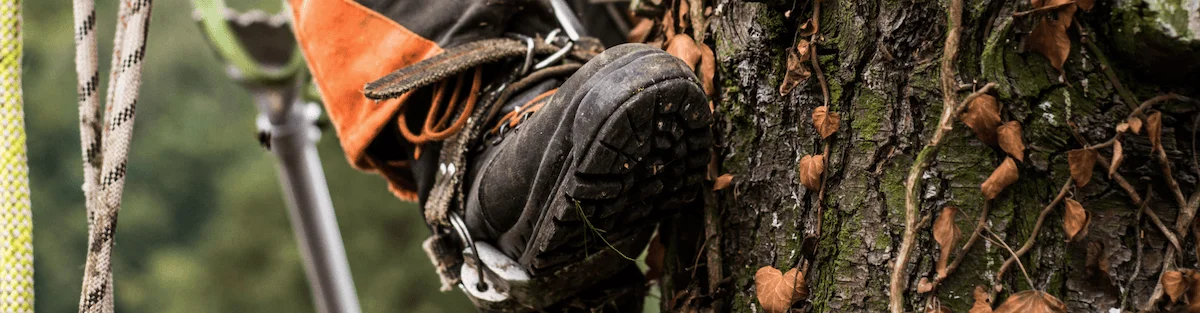
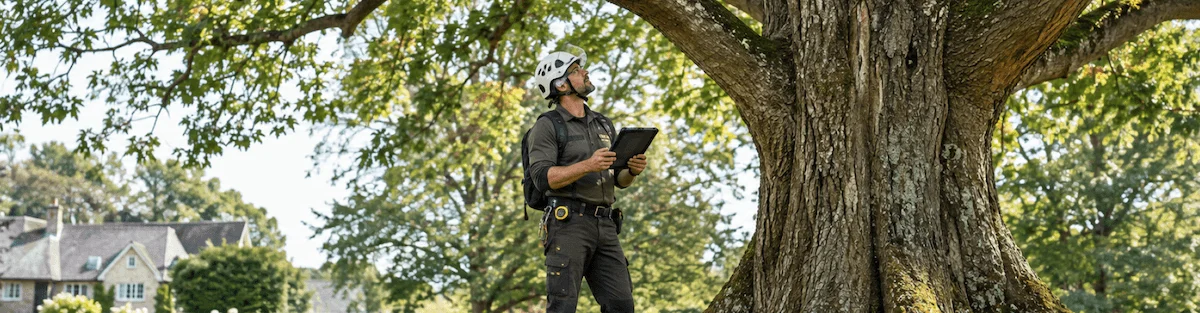
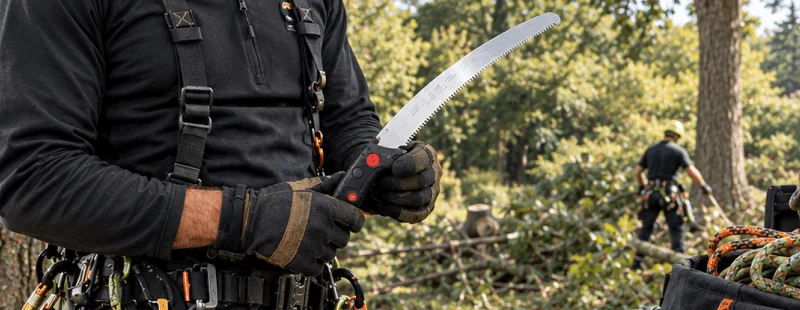
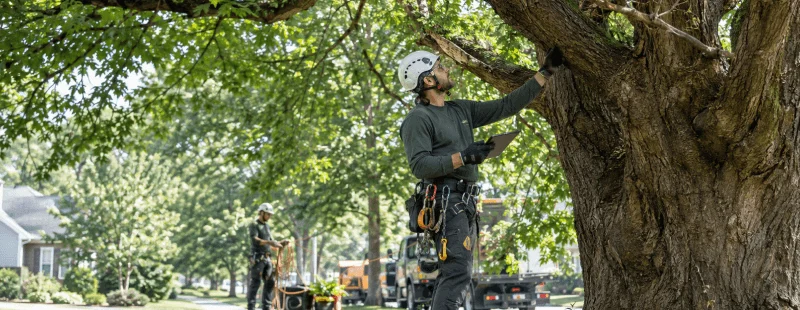
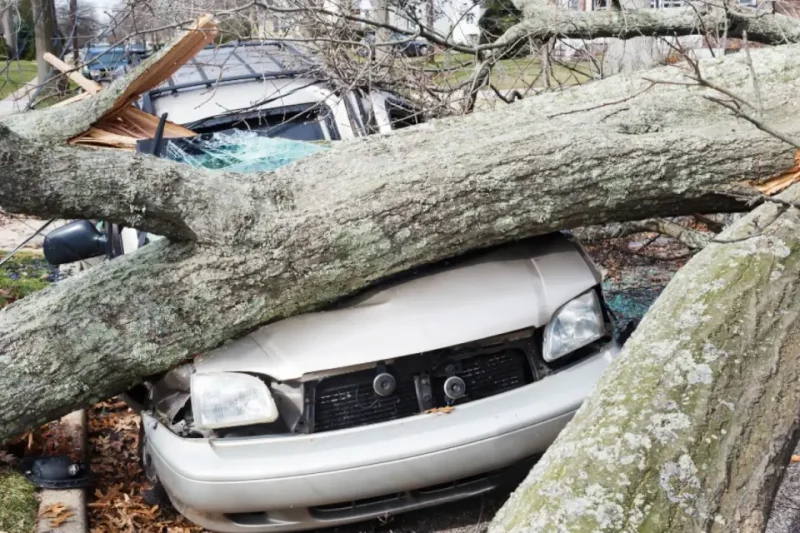
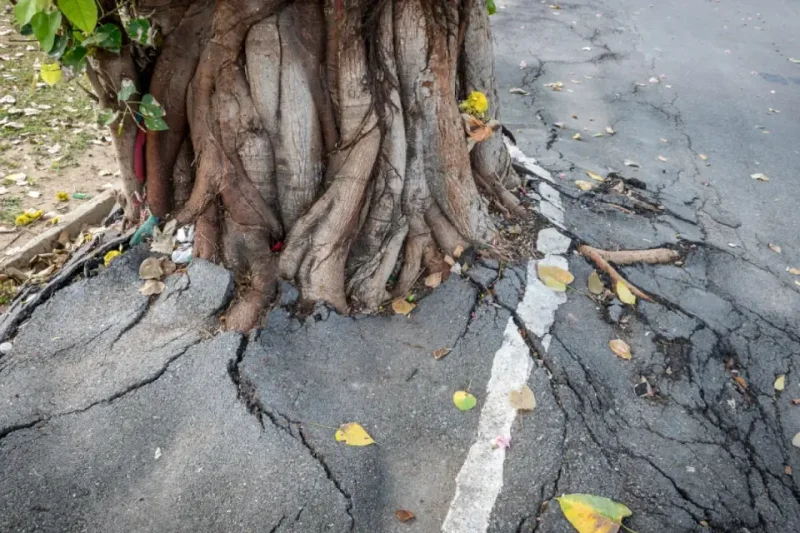
Risk assessment in tree care means taking a hard look at what could go wrong on a job: a weak or diseased tree, unpredictable weather, a client’s property sitting in the drop zone. Catching those risks early protects the crew doing the work, the client who hired them, and anything nearby that could get damaged. In practice, that comes down to the basics done consistently: the right PPE (helmets, safety glasses, gloves, protective footwear) on every job, and crews trained on, and actually following, the company’s standard operating procedures.
A Business Case, Not Just a Safety One
Risk assessment pays off beyond keeping people safe. A crew that catches hazards early avoids the accidents that cost real money, in downtime, insurance claims, or worse. Clients notice this too. A company that clearly has its safety process together tends to be the one people call back, and the one they recommend, especially for jobs that feel a little risky to begin with.
Hazard Forms Without the Paperwork
How hazard forms are built and stored changes how useful they actually are day to day.
Moving Hazard Forms Off Paper
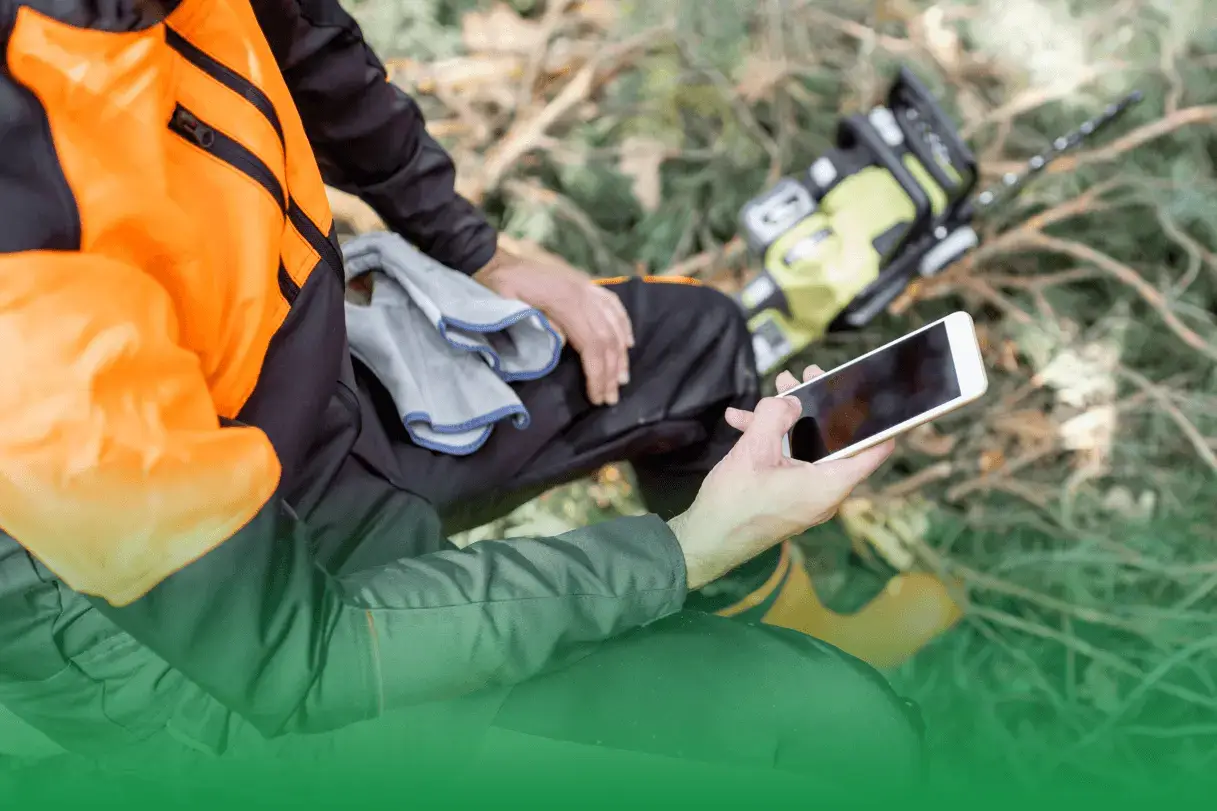
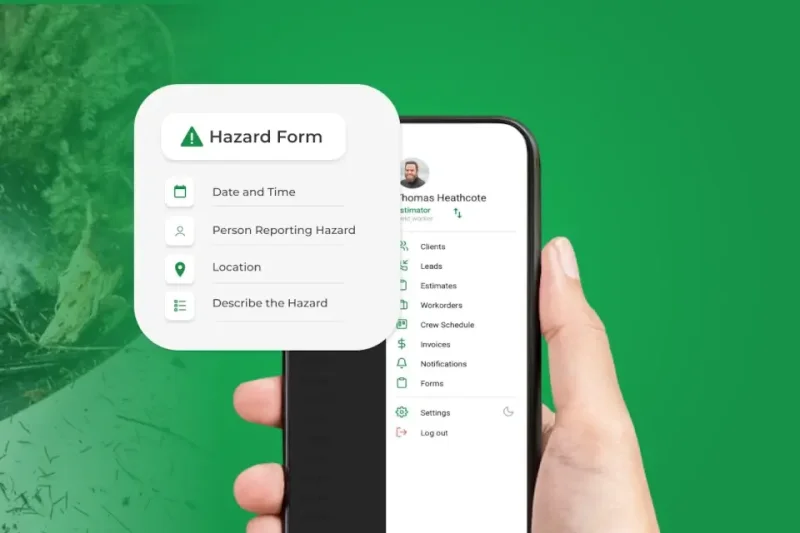
A lot of tree care companies still run hazard assessments on paper: printed forms, clipboards, filing cabinets. Finding a specific form later means digging through a drawer. ArboStar lets crews fill out, edit, and submit hazard assessments from a phone or tablet on-site, which cuts out a good chunk of that paperwork and the time spent hunting for it afterward.
Keeping Hazard Data With the Job Itself
The bigger gain comes from where that hazard information lives. When a hazard form is attached directly to the relevant job or project in your management software, instead of sitting in a separate binder, it’s right there when someone needs to check it, update it, or reference it while planning similar work down the line.
Where ArboStar Fits Into the Picture
A couple of features make the biggest difference here.
GPS and Real-Time Scheduling Add Context
Tree work is rarely static. Crews move between sites, conditions change, and schedules shift during the day. Features like GPS tracking and real-time job scheduling give risk assessments more to work with, since they reflect where crews actually are and what’s happening on the ground, not just what was planned that morning.
More Than a CRM
ArboStar isn’t only a CRM or a scheduling tool. It covers a range of what a tree care business runs on, from customer relationships through financial reporting, so an owner or manager can see how the business is doing without pulling data from five different places to make a decision.
Learning From Other Companies
Staying sharp on this topic means looking both inward and outward.
What Other Tree Care Businesses Have Learned
Real examples help here more than theory does. Seeing how another tree care company handled hazard identification on a specific job, and what changed afterward, tends to make the value of the process click in a way a checklist doesn’t.
Staying Current on Regulations
Rules around landscaping and tree care shift over time, and it’s worth keeping track of what’s changed. Writing about those updates, on a blog or elsewhere, does double duty: it keeps a company’s own knowledge current, and it gives clients something useful to read about safe tree maintenance.
Folding risk assessment and hazard forms into everyday operations, rather than treating them as an extra task, changes how a tree care business runs day to day. Software like ArboStar makes that easier by keeping safety, scheduling, and the rest of the business in one place. Companies that build it in tend to run safer jobs, work more efficiently, and hold onto clients longer.
FAQ
What counts as a hazard in a tree care risk assessment?
Common ones include weak or diseased trees, unpredictable weather, and client property sitting inside the drop zone of a job. A proper assessment looks at all of these before work starts.
What PPE should be part of a standard risk assessment?
Helmets, safety glasses, gloves, and protective footwear are the basics, paired with crews actually trained on, and following, the company’s standard operating procedures.
Why move hazard forms off paper?
Paper forms end up in filing cabinets, which means digging through a drawer to find one later. Digital forms can be filled out, edited, and submitted from a phone or tablet on-site, which cuts down on paperwork and the time spent tracking it down.
Where should hazard forms live in a management system?
Attached directly to the relevant job or project, rather than stored separately. That way it’s there when someone needs to check it, update it, or reference it for similar work later.
How do GPS tracking and scheduling improve risk assessment?
They reflect where crews actually are and what’s happening on the ground in real time, rather than relying only on what was planned at the start of the day.
Is ArboStar just a CRM?
No. CRM is only one of a bunch of ArboStar options. It covers a range of what a tree care business runs on, from customer relationships through financial reporting, so an owner or manager can see the full picture without pulling data from several different tools.
See how ArboStar can run your tree care business
Quoting, scheduling, crews and invoicing in one place. Book a short demo and see it with your own jobs.